
Forest Fae
Supplies Needed
Paint Shop Pro
Tube/Image of choice
Font of choice
Supplies
These include supplies that I made myself and 2 tubes from a share group.
Artwork © Marjolein Gulinski.
You need to purchase a licence to use the gorgeous artwork of Marjolein.
Visit MPT to get yours!
Lets begin!
1. Open all the supplies in PSP.
Colourise my supplies to match your tube.
Lower the opacity of the ‘woodmask’ layer to around 50-60 or so.
2. Make your ‘ringframe’ layer the active layer.
Using your magic wand select the inside of the frame.
Selections – Modify – Expand – 4.
Copy and paste the mist tube as a new layer.
Selections – Invert. Hit the delete key on your keyboard.
Selections – Select None.
Colourise to match your tube.
Move this layer below your frame layer and lower the opacity to around 70-80.
3. Copy and paste the leaves as a new layer.
Resize by 50% smart size [you need to do this twice!].
Using your Raster Deform Tool rotate it until you’re happy with the position.
Give it a drop shadow of choice.
Duplicate this layer. Image – Mirror.
Merge these 2 layers. Duplicate the merged layer. Image – Flip. Merge the 2 leaves layers.
Move them down so they’re just above the woodmask layer.
4. Add your tube and give it a dropshadow of choice.
Add your name in a font of choice. [I used FairydustB, size 48]
Add the artist copyrights and your taggers mark and you’re done!
N.B You could add your own flowers/embellishments and even animation!
Thank you for trying out my tutorial.
Here’s another example!
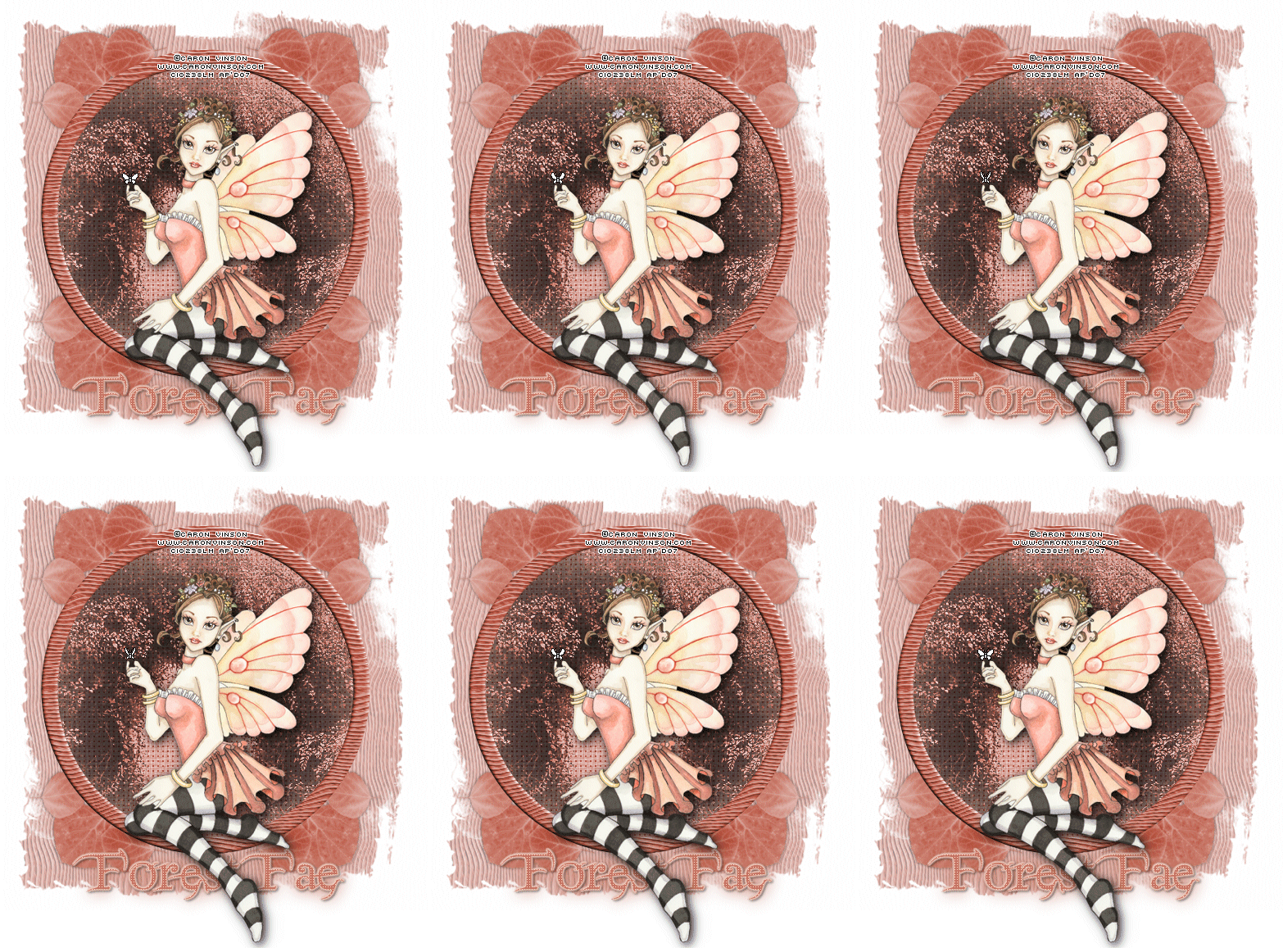
Layout and Tutorial ©Julie [magic] written on December 27th 2007.
Registered with Tutorial Writers Inc.
 Artistic Passion Tutorials