
Make Believe
Supplies Needed
Tube of choice
Font of choice
Brushes of choice
Bow of choice
Doodles or Mask of choice
My Chain
Eye Candy – Gradient Glow
Artwork © Jessica Dougherty.
You need to purchase a licence to use Jessica’s beautiful artwork.
Visit CILM to get yours!
Lets begin!
1. Open a new image [mine was 550×550] floodfill with white.
2. Choose a colour from your tube as your foreground colour, background ‘null’.
Click on the Symmetric Shape tool.

Use the following settings:

Draw out your round rectangle shape.
Convert to Raster Layer.
[I added a filter effect at this stage, but this is entirely up to you]
3. Click inside your shape with your magic wand.
Selections – Modify – Expand – 2.
Layers – New Raster Layer.
Add your brushes of choice.
Move your triangular shape to the top, hide your background layer and merge visible.
4. Add a Gradient Glow to your shape.
I used a width of 3 – 5. Play around until you get the look you want.
Using your magic wand, click on the gradient glow.
Adjust – Add/Remove Noise – Add Noise:

I added a drop shadow at this stage using the following:
V & H [0] Opacity [45] Blur [4] Colour [Black]
5. Using your rectangle preset shape, draw out a rectangle that will fit just below your triangular shape.
[see my tag for reference]
Add the same gradient glow and noise as we did earlier. Give this the same drop shadow.
6. Copy and paste the chain I provided as a new layer.
Duplicate it so you have 2 of them.
Put them into position and move them underneath both shape layers.
7. Add your bow of choice.
Place it at the top of your triangular shape.
Hide your background and merge all your layers together.
8. Add your doodles or your mask.
I lowered the opacity on mine, but this is entirely your choice.
9. Add your tube. Give it a drop shadow of choice.
10. Add your name to the rectangle. I used bank Gothic and Liorah BT.
11. Add the artist copyrights and your taggers mark and you’re done!
Thank you for trying out my tutorial.
Here is another example!
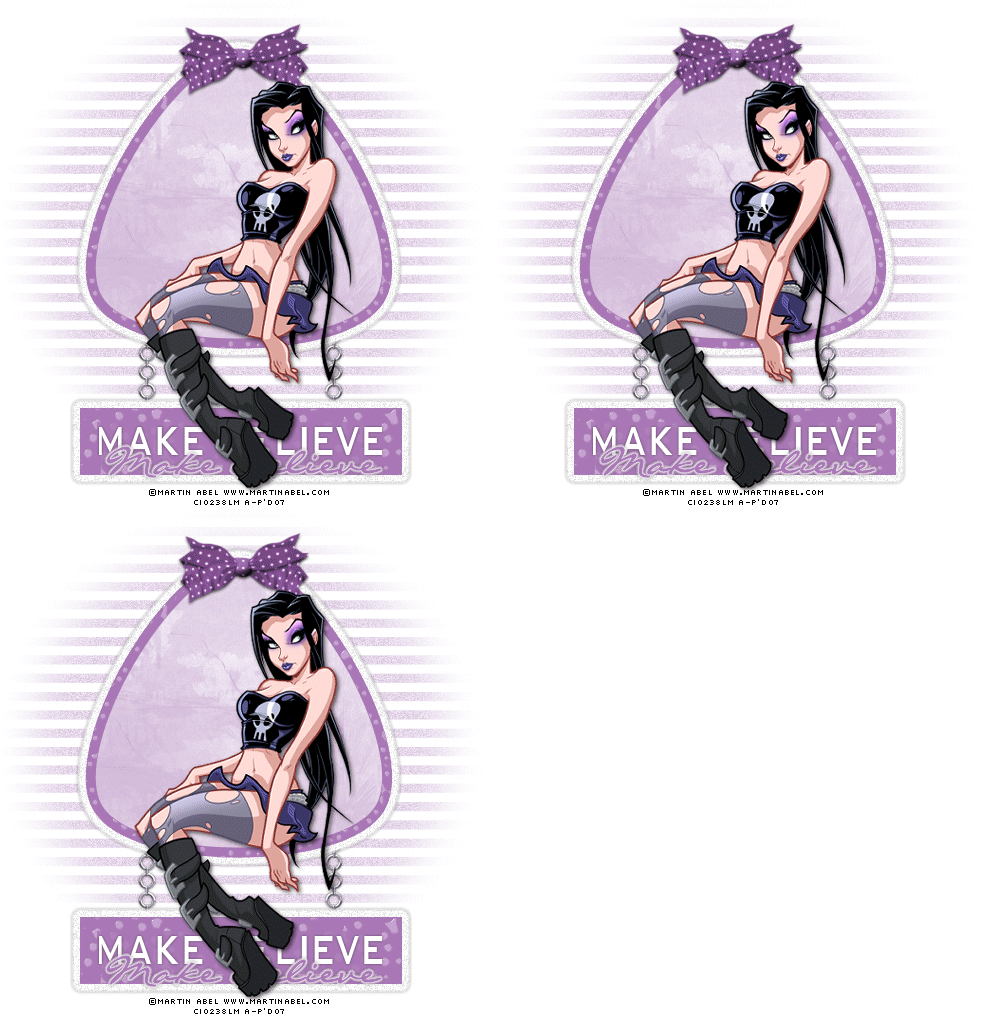
Layout and Tutorial ©Julie [magic] written on July 20th 2007.
Registered with Tutorial Writers Inc.
 Artistic Passion Tutorials